5 Ways to Ensure a Flawless Transition to a New
PMS Software
Category: Hotel Management Technology | Reading Time: 8 Minutes | Author: Javier
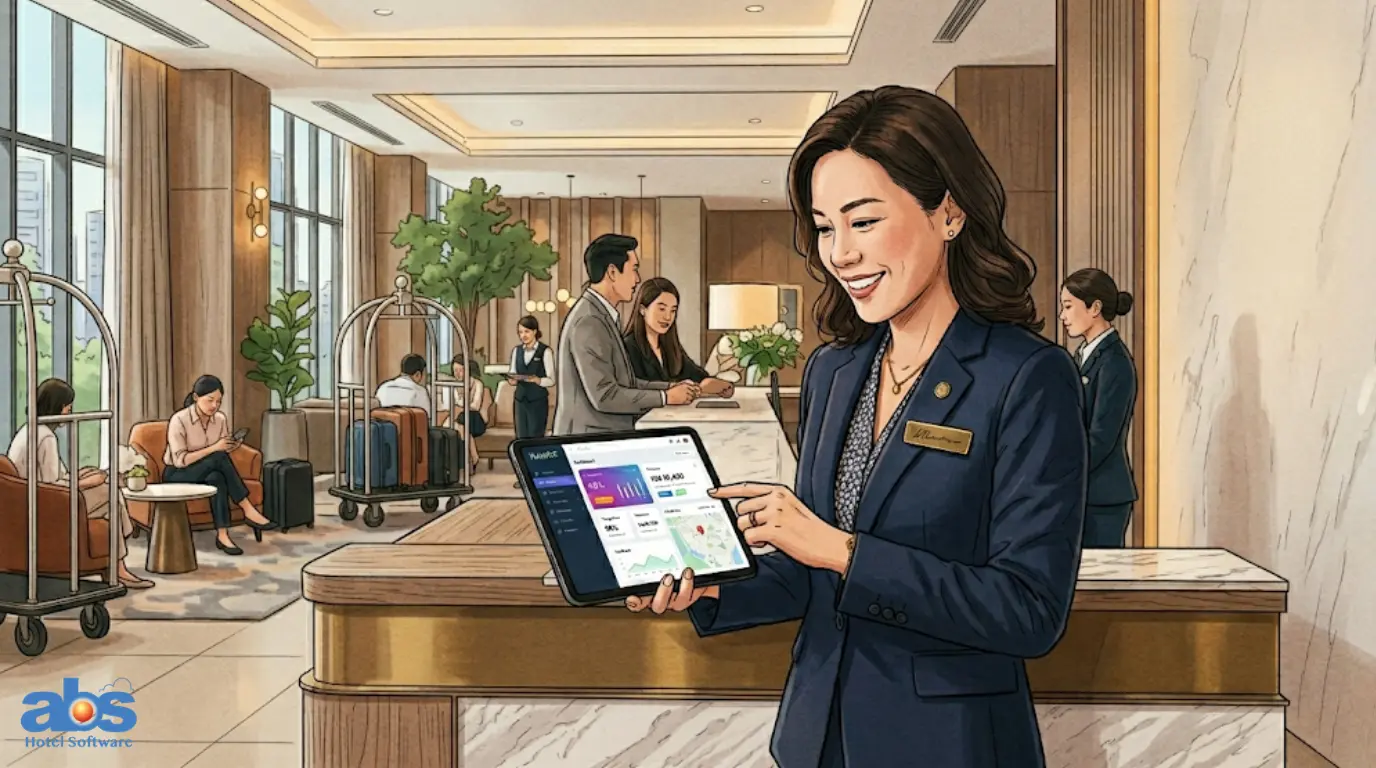
Switching to a new Property Management System (PMS) is a lot like moving into a new home. It is exciting , full of potential, but requires moving a lot of heavy pieces. You likely already know it is time for a change: your current system is lagging, refuses to integrate with modern tools, or simply cannot keep up with the fast-paced demands of today’s hospitality industry.
But before you make the leap, strategic planning is essential. Transitioning to a new PMS is not just a standard IT tech upgrade. It fundamentally impacts your team’s daily workflow, your historical data, and most importantly, the guest experience.
Here are the five essential things you must know before switching to a new PMS to ensure the transition is a complete success.
Why Upgrading to a New PMS Software Requires Careful Planning
Rushing a software migration can lead to lost reservations, frustrated staff, and operational downtime. By taking a methodical approach to upgrading your PMS software, you mitigate risk and guarantee that your property reaps the benefits of automation, real-time analytics and enhanced guest services from day one.
1. Set Clear Goals Before Changing Your Property Management System
Before looking at software vendors, start by asking a foundational question: Why are we switching? Is your legacy PMS preventing you from embracing digital transformation? Are you struggling with ESG compliance tracking, or lacking real-time data visibility across your properties? Defining your primary objectives will help you select the exact features you need and give you a benchmark to measure success post-launch.
Identifying Current Bottlenecks
Treat your goal-setting phase as an operational checklist. What specific pain points must the new property management system solve?
-
Faster, contactless check-ins?
-
Reduction of manual administrative tasks?
-
Better financial visibility across departments?
Establishing KPIs for the New System
Once you know the problems, set Key Performance Indicators (KPIs). Whether it is reducing check-in time by 30% or cutting down billing errors, having clear targets ensures your new PMS delivers a strong Return on Investment (ROI).
2. Plan Your Hotel PMS Data Migration Securely
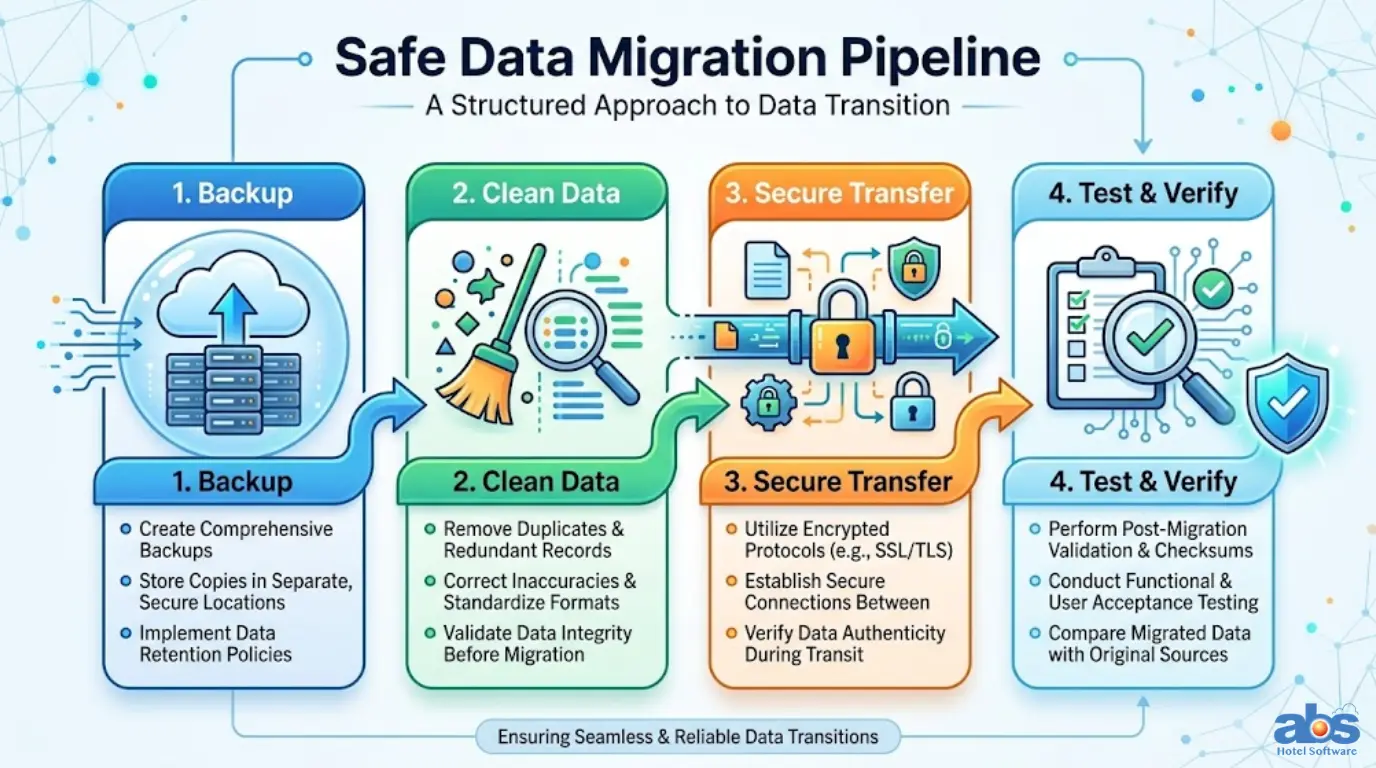
Your current system holds the lifeblood of your hotel: guest histories, future bookings, room allocations, financial invoices, and performance metrics. Moving this safely into a new environment is arguably the most critical step in a hotel PMS transition.
Backing Up Critical Guest Data
Work closely with your new software vendor to ensure every piece of data is comprehensively backed up before the migration begins. Never assume data is safe until a secondary backup is confirmed.
Testing the Transfer Process
Ensure the transfer process is secure, structured, and heavily tested. A smooth migration means no lost bookings, no missing VIP guest profiles and zero billing confusion when the new system goes live.
3. Ensure Seamless Integrations When Upgrading Your PMS
A modern property management system rarely operates in a silo. It acts as the central hub, connecting with your booking engine, Point of Sale (POS) system, accounting software, housekeeping modules and even in-room IoT devices.
Connecting Your Existing Tech Stack
Before you sign a contract, verify that the new PMS integrates flawlessly with the technology you already use. Look for systems that offer open APIs or robust built-in connectors. This guarantees that your data flows instantly across all platforms, saving your staff hours of manual data entry and preventing costly synchronization errors.
4. Train Your Team Before the Hotel PMS Transition
Even the most advanced, intuitive software will fall short if the people using it do not understand it. Human error during a transition can cause more disruption than technical glitches.
Engaging Staff Across Departments
Involve your staff from the very beginning of the process. This includes the front desk, housekeeping, finance, and management teams. Arrange hands-on training sessions with the software vendor and distribute quick-reference guides weeks ahead of the official go-live date. When your team feels empowered and confident using the new software, your guests will immediately feel the difference in service speed and quality.
5. Communicate the PMS Change to Guests and Partners
During any major technological transition, minor delays or system hiccups are a reality of the process. How you handle them determines your brand’s reputation.
Maintaining Transparency During the Switch
Keep your guests, travel agents, and B2B partners informed throughout the migration phase. If check-in might take a few extra minutes during launch week, let guests know in advance. Transparency builds trust. It signals to your stakeholders that you are actively investing in upgrades to serve them better in the long run.
Conclusion: Make the Switch to a New Property Management System with Confidence
Switching to a new PMS might feel daunting, but with meticulous preparation, it serves as a powerful catalyst to modernize your hotel’s entire operation. By defining clear goals, prioritizing secure data migration, ensuring integrations and thoroughly training your staff, you will turn a temporary operational disruption into a permanent digital transformation.
Frequently Asked Questions (FAQs) About Switching to a New PMS
Q: How long does it take to switch to a new PMS?
A: The timeline varies depending on the size of your property and the complexity of your data, but a standard hotel PMS transition typically takes between 4 to 8 weeks from contract signing to the final go-live date.
Q: Will we lose our historical guest data during the transition?
A: Not if the migration is handled correctly. By doing comprehensive data backups and working with an experienced vendor to map your data fields, all historical guest data, future reservations, and financial records can be securely migrated to the new system.
Q: Do we need to buy new hardware when upgrading to a new PMS software?
A: Often, no. Modern cloud-based property management systems can be accessed via standard web browsers on your existing desktop computers, laptops, and tablets, significantly reducing hardware costs.
Q: How do I know if a new PMS will integrate with my current tools?
A: Always ask the software vendor for their integration library or API documentation. A reliable PMS provider will be completely transparent about which POS systems, Channel Managers, and accounting software they natively connect with.