
Picture Perfect: The Best Free Photo
Editing Tools for Hoteliers
Category: Hospitality Marketing & Technology | Reading Time: 8 Minutes | Author: William Tang
In the digital age, a potential guest’s first visit to your hotel doesn’t happen at the front desk—it happens through a screen. Long before they read a review or check your list of amenities, they are judging your property based on your photos. High-quality, inviting visuals are the absolute fastest way to communicate the atmosphere, comfort, and value of a stay at your property.
The good news? You don’t need a massive marketing budget or a professional photographer on a monthly retainer to achieve stunning visual results. With the right software, you can easily transform your raw images into powerful booking drivers. Here is your ultimate guide to the best free photo editing tools for hoteliers designed to help your property shine online.
Why Enhancing Hotel Photos for Free is a Game-Changer
Travelers are highly visual buyers. If your website or OTA (Online Travel Agency) listings feature dark, blurry, or poorly framed photos, potential guests will simply scroll past you to a competitor. By utilizing free photo editors for hotels, you can drastically improve your visual appeal, build trust, and ultimately increase your direct bookings without inflating your marketing overhead.
The Top 5 Best Free Photo Editing Tools for Hoteliers
We have curated a list of the top platforms, ranging from beginner-friendly design suites to professional-grade image manipulators. Whether you are a tech novice or a seasoned marketer, there is a tool here for your specific needs.
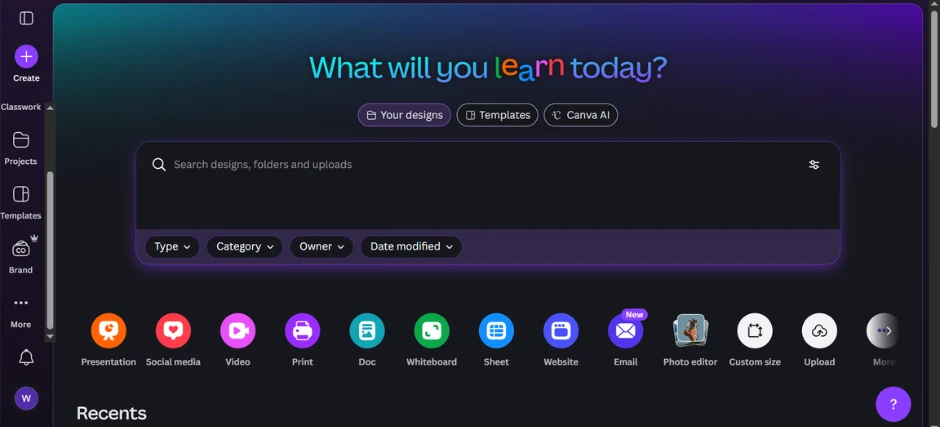
1. Canva: The Best Free Hotel Picture Editing App for Marketing Assets
-
Best for: Social media graphics, flyers, and promotional materials. Canva has completely revolutionized graphic design by making it accessible to everyone. This cloud-based platform perfectly combines basic photo editing with layout design, making it the ideal free hotel picture editing app for creating polished marketing assets quickly.
-
Key Features: A drag-and-drop interface, thousands of hospitality templates, a massive library of stock elements, and easy text overlays.
-
Why Hoteliers Love It: You don’t need a degree in design to look like a pro. Canva allows you to take a standard photo of your lobby and turn it into a compelling Instagram post or a “Weekend Special” flyer in under five minutes.
-
Price: Free tier available (with vast functionality); Pro version available for a monthly fee.
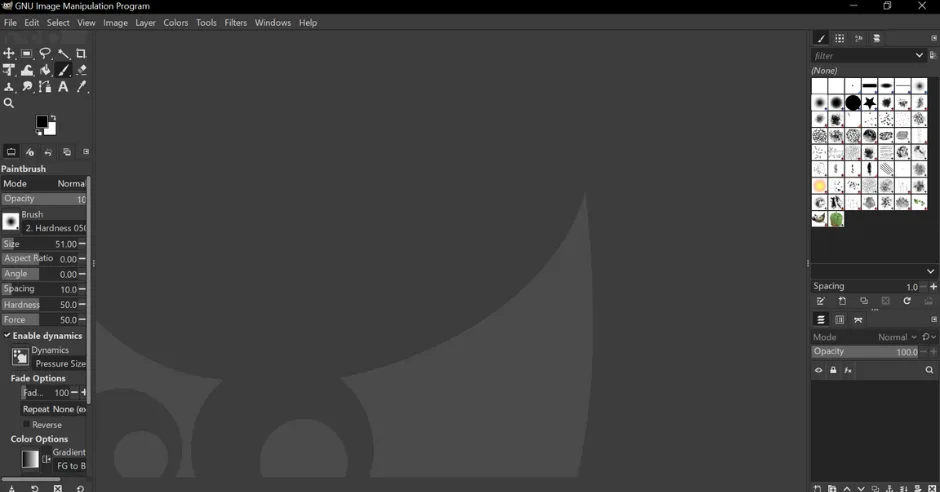
2. GIMP: The Professional-Grade Free Photo Editor for Hotels
-
Best for: Detailed retouching, object removal, and advanced color correction. GIMP (GNU Image Manipulation Program) is widely considered the ultimate free alternative to Adobe Photoshop. It is an open-source desktop application that offers incredible depth for hoteliers willing to learn its capabilities.
-
Key Features: Layer-based editing, advanced color grading, cloning/healing tools, and customizable brushes.
-
Why Hoteliers Love It: It puts professional-level control directly in your hands. Need to remove a distracting power line from your exterior pool shot or fix the complex lighting in your restaurant? GIMP handles it flawlessly.
-
Price: 100% Free.
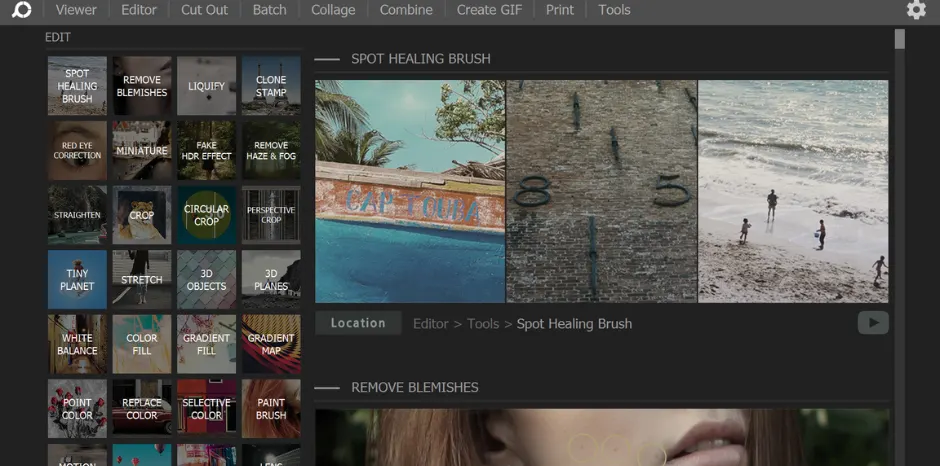
3. PhotoScape X: Top Image Editing Software for Batch Processing
-
Best for: Editing large batches of photos for website galleries. Time is a luxury in the hospitality business. PhotoScape X is a versatile desktop tool that excels at making quick, consistent edits across multiple images at once—a lifesaver when updating your website.
-
Key Features: Batch editing, collage maker, GIF creator, and quick color adjustments.
-
Why Hoteliers Love It: If you just snapped 50 new photos of your newly renovated suites, you can use PhotoScape X to resize, brighten, and sharpen all of them simultaneously. This ensures a beautifully consistent look for your gallery without hours of manual clicking.
-
Price: Free (with an optional Pro version).
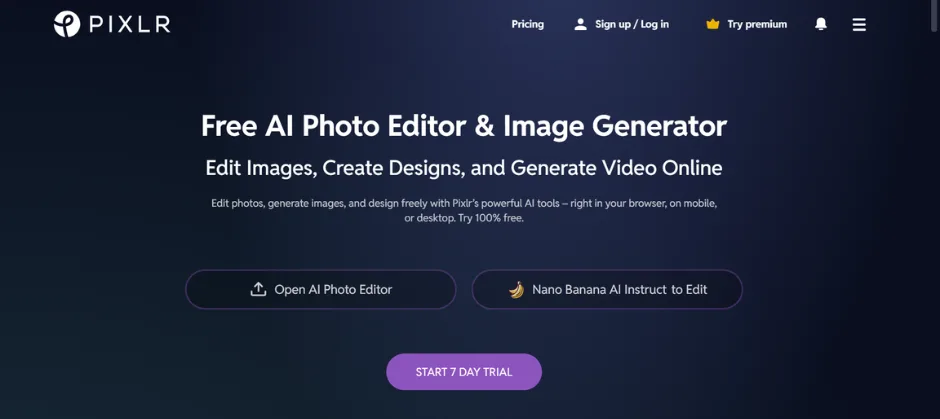
4. Pixlr: The Flexible Web-Based Editor for Hospitality
-
Best for: Quick touch-ups on any device, anywhere. Pixlr is a browser-based photo editor that brings robust editing tools to any computer with an internet connection. It strikes a perfect balance between simplicity and power, making it top-tier image editing software for hospitality professionals.
-
Key Features: AI-powered background removal, layers, rich filters, and a clean, intuitive UI.
-
Why Hoteliers Love It: Supreme flexibility. Whether you are using a desktop in the back office or a laptop at the front desk, you can access Pixlr instantly to crop a photo for a newsletter or add a warm filter to a sunset shot from the balcony.
-
Price: Free version available; Premium unlocks advanced tools.
5. Snapseed: The Ultimate Mobile Photo Editor for On-the-Go Hoteliers
-
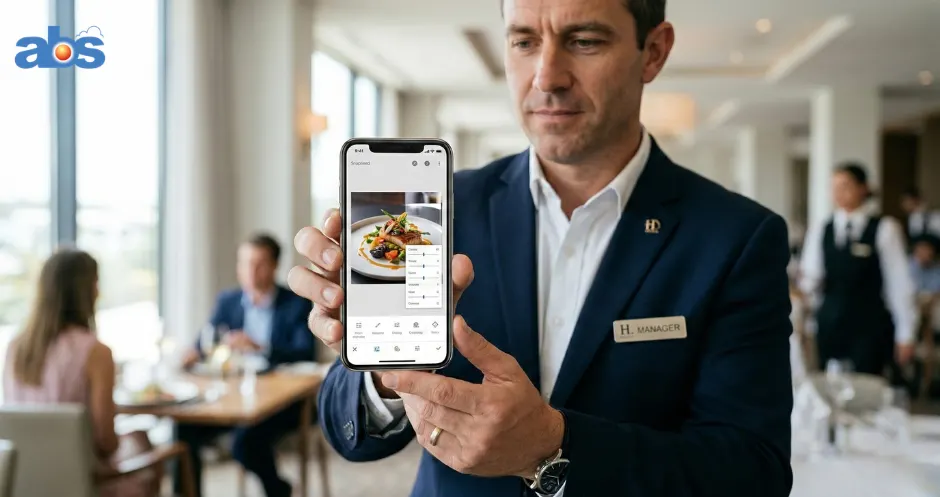
Best for: On-the-go editing for instant social media updates. Developed by Google, Snapseed is the gold standard for mobile photo editing. It puts precise controls into the palm of your hand, allowing you to create stunning images right from your smartphone.
-
Key Features: Selective adjustments (editing specific areas of a photo), precision control for “Curves” and “White Balance,” and high-quality, professional filters.
-
Why Hoteliers Love It: It’s instantaneous. Capture a photo of a beautiful breakfast spread or a live music event in your lounge, open Snapseed, and have a polished, share-worthy image ready for your Instagram Stories in under a minute.
-
Price: Free on iOS and Android.
Crafting Your Visual Identity: Tips for Using Free Hotel Photo Editors
Knowing which tools to use is only half the battle; knowing how to use them effectively is what truly drives bookings.
Master the Fundamentals First
Before applying any artistic filters, use these tools to correct the basics. Adjust your exposure to brighten dark rooms, increase the contrast to add depth, and always use the crop/rotate tools to straighten out crooked horizons.
Maintain Brand Consistency
Your property’s photos should tell a cohesive, recognizable story. Try to use a similar editing style across all your images to strengthen your brand identity. Are you a cozy mountain lodge? Lean into warm, rich tones. A modern beachfront resort? Keep your edits cool, bright, and airy.
Think Beyond the Photo
Use platforms like Canva to add crucial context to your visuals. Overlaying elegant text like “Ocean View Suite” or “Complimentary Breakfast Included” on a photo communicates your unique value instantly to a scrolling user.
Choosing the Right Free Image Editing Software for Your Hospitality Business
With so many excellent options, selecting the right tool comes down to your daily workflow:
-
If you prioritize speed and social media marketing: Canva is your best friend.
-
If you are a perfectionist needing complex edits: Download GIMP for total control.
-
If you need to update a massive website gallery: Use PhotoScape X for batch editing.
-
If you are always walking the property: Equip your phone with Snapseed to capture and edit moments in real-time.
Conclusion: Drive Bookings with Picture-Perfect Photos
By leveraging these best free photo editing tools for hoteliers, you can ensure that your property is always presented in the best possible light. Great photos build trust, spark wanderlust, and ultimately entice more guests to click that final “Book Now” button. Start experimenting with these platforms today, and watch your visual marketing transform.
Frequently Asked Questions (FAQs) About Free Photo Editing for Hoteliers
1. Do free photo editing tools leave watermarks on my images? Most of the top-tier free tools, including Canva (free elements), GIMP, and Snapseed, do not leave watermarks on your exported photos. Always double-check before exporting, but the tools on this list allow for clean, unbranded downloads.
2. Can I use photos edited on free software for commercial purposes? Yes. If you own the original photograph of your hotel, editing it in free software like GIMP or Snapseed does not change your commercial rights. However, if you are using stock photos from a platform like Canva, ensure you are adhering to their specific commercial use licensing (which is generally permitted for marketing).
3. Which free photo editor is best for complete beginners? For complete beginners, Canva and Snapseed are highly recommended. Canva’s drag-and-drop interface is incredibly intuitive for desktop users, while Snapseed’s swipe-based adjustments make mobile editing a breeze.
4. How can I make a small hotel room look bigger in photos? While software can’t change the physical size of the room, you can use these tools to increase brightness and lift shadows, which naturally makes a space feel larger and more open. Additionally, ensuring your vertical lines (walls, doorframes) are perfectly straight using the “Perspective” tools in apps like Snapseed can make a room look much more spacious.
About the Author: William Tang is a Hotel Technology Consultant at BMS Solution, specializing in the Southeast Asian hospitality market. He helps streamline operations and maximize revenue for over 1,500 hotels across Malaysia, Singapore, Indonesia, and the Philippines.