
Stop Losing Airbnb Bookings: The Host’s Guide to Syncing Calendars with Booking.com & Google
Category: Hospitality Technology| Reading Time: 10 minutes | Author: Javier
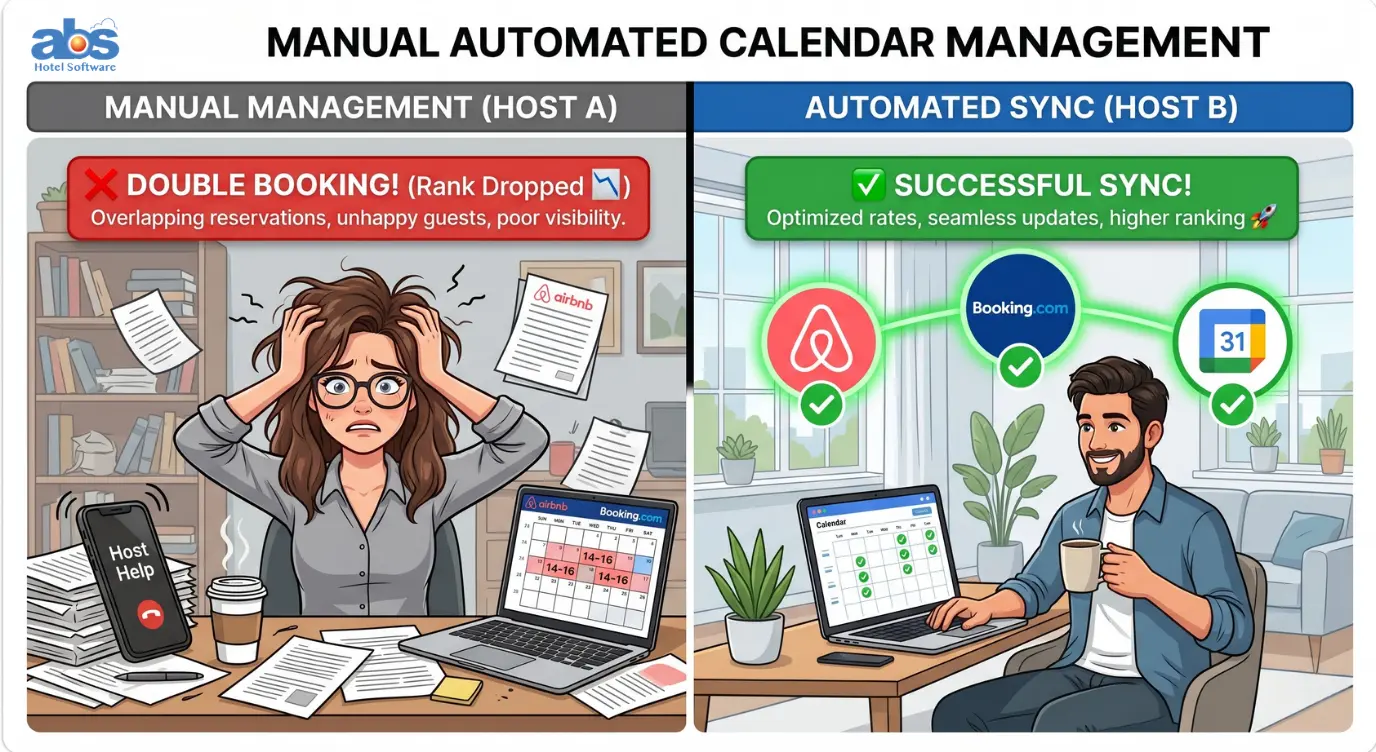
Managing your Airbnb calendar is the single most important task for protecting your short-term rental revenue. A well-maintained calendar doesn’t just show guests when your property is free; it acts as your first line of defense against the dreaded double booking—a critical mistake that costs hosts thousands in refunds, ruined reviews, and severe ranking penalties.
While the core need for accuracy remains unchanged, the tools available in 2026 have evolved. Relying solely on the old “copy and paste” iCal method to sync your Airbnb calendar is now a stopgap measure, not a long-term business strategy.
Here is your updated, comprehensive guide to syncing your Airbnb calendar with Booking.com, Google Calendar, and other major platforms to ensure your bookings run smoothly.
Why Syncing Your Airbnb Calendar is Crucial for Hosts in 2026
The risk of a double booking extends far beyond the hassle of apologizing and canceling on a guest. In 2026, Airbnb’s algorithm penalizes host cancellations more severely than ever before.
A single cancellation resulting from a calendar conflict with Booking.com can plummet your listing’s search ranking for up to three months. Proper calendar synchronization is the absolute difference between a seamless, profitable operation and a massive financial headache.
How to Find Your Airbnb Calendar Tools (Current Interface)
Airbnb regularly updates its host dashboard to streamline operations. As of 2026, finding your calendar syncing tools is simple. Here is the most direct path:
-
Log in to your Airbnb host account.
-
From the main hosting menu, select Calendar (or navigate via Menu > Calendar).
-
Utilize the Multi-calendar view to see all your listings at a glance, or click into a single property to adjust specific calendar rules and sync settings.
The Manual Method: Syncing Airbnb and Booking.com via iCal
Both Airbnb and Booking.com natively support the iCal (iCalendar) format. This method works for hosts managing a single property with very low booking volume, but you must be acutely aware of the sync delay.
Step 1: Export Airbnb Calendar to Booking.com
-
Go to Calendar in your Airbnb dashboard.
-
Select the correct listing and click the Settings gear icon (⚙️) near the top right of the calendar panel.
-
Scroll down to the “Sync calendars” section.
-
Click “Export calendar” and copy the unique URL provided.
-
Switch over to your Booking.com extranet: Go to Rates & Availability > Calendar > Sync calendars.
-
Click “Add calendar connection,” paste the Airbnb URL, and name the connection “Airbnb.”
Step 2: Export Booking.com Calendar to Airbnb
-
In the Booking.com extranet, navigate to your Calendar.
-
Click the “Sync calendars” tab and copy your Booking.com iCal export link.
-
Return to your Airbnb Calendar Settings and locate the “Sync calendars” section.
-
Click “Import calendar,” paste the Booking.com link, and name it “Booking.com.”
⚠️ The Hidden Danger: iCal Sync Delays
Important Note: iCal connections are not instant. Depending on server loads, it can take anywhere from 2 to 12 hours for a reservation on one platform to block the dates on the other. If you have same-day turnarounds or Instant Book enabled, this synchronization lag is the most common cause of accidental double bookings.
Organizing Your Schedule: Syncing Airbnb with Google Calendar
Syncing your Airbnb calendar with Google or Apple Calendar is a fantastic way to keep your personal life organized, but remember: it is not a booking management tool.
-
In your Airbnb Calendar Settings, locate the “Export calendar” link.
-
Copy this URL.
-
Open Google Calendar: On the left side, click the + sign next to “Other calendars.”
-
Select “From URL,” paste the Airbnb link, and add the calendar.
Be Advised: Google Calendar only refreshes external iCal feeds approximately every 8 hours. You should never use Google Calendar as your primary source of truth for blocking availability or managing guest inventory.
The Ultimate Solution: Upgrading from iCal to a Channel Manager
If you are managing more than one listing or publishing your property on more than two booking sites, relying on manual iCal management is an unnecessary gamble. The key difference in 2026 is that API-integrated channel managers are highly affordable and accessible, even for small-scale hosts.
iCal vs. API Channel Manager: What’s the Difference?
-
iCal Sync: Shares only dates. It transfers no pricing data, no guest details, and suffers from a significant 2–12 hour delay.
-
Channel Manager (API): Connects directly to the backend servers of Airbnb and Booking.com. When a booking occurs on one site, the channel manager instantly pushes that blocked date to all other connected platforms in milliseconds.
Benefits of Syncing Calendars via a Channel Manager
-
Zero Latency: Completely eliminates the 2–12 hour iCal gap that causes double bookings.
-
Unified Inventory Control: Change your base price or minimum stay requirement in one central dashboard, and watch it update across Airbnb, Booking.com, and Vrbo simultaneously.
-
Cleaner Operations: Instead of jumping between multiple OTA (Online Travel Agency) tabs, you get a centralized, professional calendar designed specifically for short-term rental operators.
Advanced Best Practices for Airbnb Calendar Management
Beyond basic syncing, top-performing hosts use these calendar optimization techniques to protect their business in 2026:
Automate Cleaning and Preparation Blocks
Connect your calendar not just to Google, but to your turnover management software. When a guest checks out, the calendar should automatically block the next few hours for cleaners before reopening for a same-day check-in.
Alternatively, utilize Airbnb’s Preparation Time feature to set a mandatory buffer (e.g., block the night before and after a booking) to ensure you never have to rush a cleaning crew or greet a guest in a messy space.
Utilize Soft Blocks and Regular Health Checks
-
Leverage “Soft Blocks”: Use the “Not available for instant book” setting for dates you are holding for a repeat guest inquiry or potential maintenance. This keeps the dates open for manual review without the risk of an accidental Instant Book taking over.
-
Regular Health Checks: Review your “Insights” tab on Airbnb weekly. A sudden spike in “Host Cancellations” or “Declined Booking Requests” is almost always a direct symptom of a calendar synchronization failure.
Conclusion: Future-Proof Your Business by Syncing Your Airbnb Calendar Like a Pro
At the end of the day, your calendar is the beating heart of your short-term rental business. While manual iCal connections between your Airbnb calendar, Booking.com, and Google Calendar might have worked when you were just starting out, the high stakes of 2026 demand a more robust solution. The lingering threat of sync delays and the severe platform penalties for double bookings make relying on outdated methods a risk you simply don’t need to take.
By upgrading to an API-integrated channel manager, you eliminate the 12-hour lag, protect your valuable search rankings, and free yourself from the constant stress of cross-checking multiple tabs. You deserve a system that works as hard as you do to keep your operations smooth, your pricing accurate, and your guests happy.
Frequently Asked Questions (FAQs)
Q: How long does it take for Airbnb to sync with Booking.com using iCal?
A: When using the standard iCal method, syncing can take anywhere from 2 to 12 hours. This delay depends on the server load of both platforms, which leaves hosts vulnerable to double bookings during that window.
Q: Can I use Google Calendar to manage my Airbnb availability?
A: You can export your Airbnb dates to Google Calendar to view your schedule, but it should not be used for availability management. Google Calendar only fetches new iCal data about every 8 hours and cannot push data back to Airbnb to block dates.
Q: What happens if I get a double booking on Airbnb and Booking.com?
A: You will be forced to cancel one of the reservations. Canceling on a guest results in platform penalties. On Airbnb, this can include severe drops in search ranking, financial penalties, and the loss of Superhost status.
Q: Is a channel manager worth it for just one property?
A: Yes. Even with one property, if you list on multiple platforms (like Airbnb, Booking.com, and Vrbo) and use Instant Book, the risk of a double booking is high. A channel manager provides peace of mind through instant, real-time API syncing.